 28allday
2ce38ce9eb
28allday
2ce38ce9eb
Bug-check pass on top of the v2 rewrite. Five real issues fixed: * autostart_enable used to return the exit code of the trailing `log` call, so a failing `systemctl --user enable` was silently reported as success. Now returns 1 with a tui_err on real failure. * save_state wrote directly to STATE_FILE; a crash mid-write would leave a truncated file that load_state would partially parse. Switched to an atomic tmp + mv -f pattern. * load_state used `source "$STATE_FILE"` which is arbitrary code execution if a video path ever contained shell metacharacters. Replaced with a read-based KEY=VALUE parser that only honours LAST_VIDEO / LAST_TARGET / LAST_DIR. * stop_mpvpaper can be called twice in quick succession (TUI stop immediately followed by systemd's ExecStop). Wrapped the whole body in a `flock -n` on $STATE_DIR/.stop.lock so the second caller no-ops instead of racing against the first. * Watcher `cleanup` trap used `[ -n VAR ] && kill`, which short-circuits to non-zero when VAR is unset and aborts the trap before `exit 0` under set -e. Restructured to a proper if/|| true. |
||
|---|---|---|
| icons | ||
| motion-wallpaper-toggle | ||
| motion-wallpaper-watcher | ||
| motion-wallpaper.service | ||
| README.md | ||
| wallpaper.sh | ||
Motion Wallpaper - Omarchy
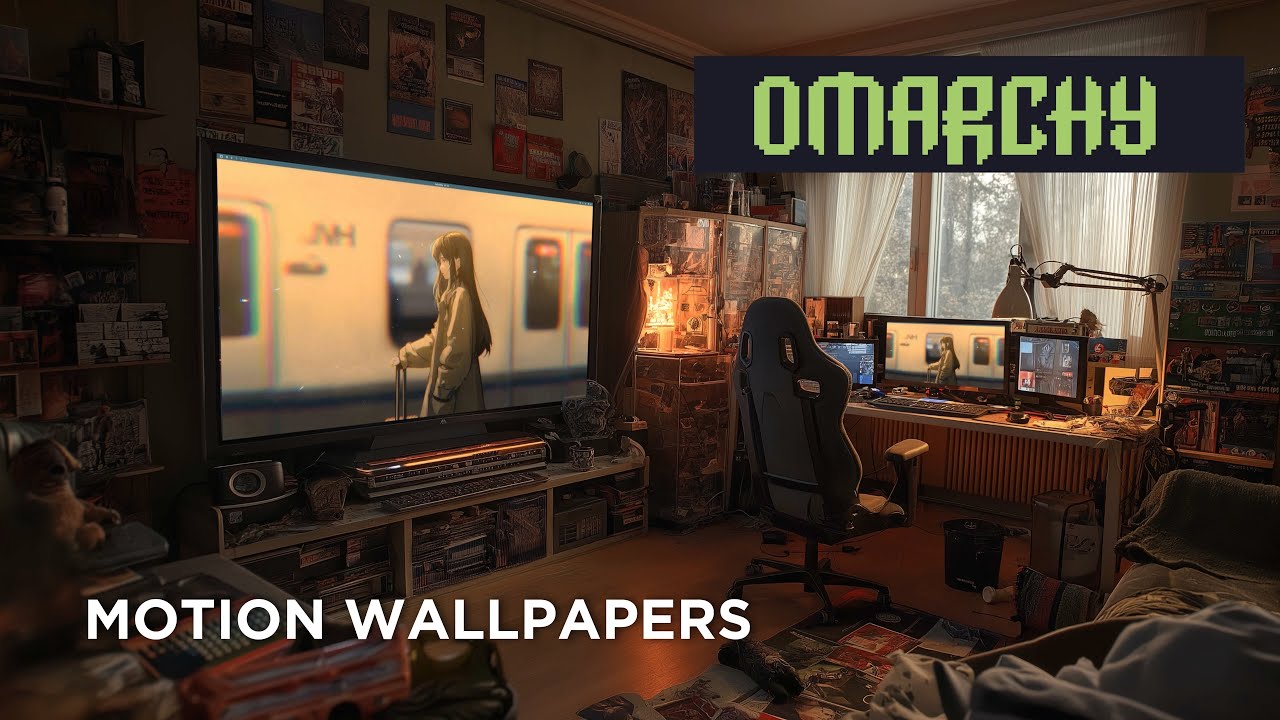
Animated video wallpapers for Omarchy (Arch Linux + Hyprland).
Uses mpvpaper to play any video file as your desktop wallpaper. Features a gum-powered TUI with Stop / Change-video options, a quick-pick library folder, optional systemd autostart so the wallpaper survives reboots, and pause-on-fullscreen so games and full-screen video don't pay the decode cost.
Quick Start
git clone https://git.no-signal.uk/nosignal/Motion-Wallpaper-Omarchy.git
cd Motion-Wallpaper-Omarchy
chmod +x wallpaper.sh
./wallpaper.sh
The installer handles all dependencies automatically.
Requirements
- OS: Omarchy (Arch Linux)
- Compositor: Hyprland
- AUR Helper: yay or paru (for mpvpaper)
What It Installs
Packages
| Package | Source | Purpose |
|---|---|---|
mpv |
Official repos | Video player engine (decodes and renders video) |
jq |
Official repos | Parses monitor info from Hyprland |
gum |
Official repos | TUI toolkit (action menus, monitor picker, file browser) |
libnotify |
Official repos | notify-send for post-action desktop notifications |
mpvpaper |
AUR | Wayland wallpaper daemon that uses mpv as its backend |
Files Created
| Path | Purpose |
|---|---|
~/.local/bin/motion-wallpaper-toggle |
Runtime script (toggle / start / stop / change / status) |
~/.local/share/applications/motion-wallpaper-toggle.desktop |
App launcher entry |
~/.config/systemd/user/motion-wallpaper.service |
Optional autostart unit (not enabled by default) |
~/.config/motion-wallpaper/state |
Last-used video + target monitor |
~/.cache/motion-wallpaper.log |
Runtime log |
Usage
From App Launcher
Search for "Motion Wallpaper" in Walker or your app launcher. Because the entry is a TUI, your launcher spawns a terminal window (Terminal=true in the .desktop entry) and runs the gum interface inside it. The terminal closes automatically when the action finishes.
From Terminal
motion-wallpaper-toggle            # interactive — toggle, or Stop/Change if running
motion-wallpaper-toggle change     # pick a new video without stopping first
motion-wallpaper-toggle stop       # stop and restore the normal wallpaper
motion-wallpaper-toggle status     # print current state
motion-wallpaper-toggle start      # non-interactive start from saved state (used by systemd)
With a Keybind
Add this to ~/.config/hypr/bindings.conf:
bind = SUPER ALT, W, exec, ~/.local/bin/motion-wallpaper-toggle
Note
:
SUPER+Wis already bound to "Close window" in Omarchy. UseSUPER ALT+Wor another free combination.
Video library folder
Drop videos in ~/Videos/Wallpapers/ and the picker shows that folder as a quick list instead of opening the full filesystem browser. A Browse… entry is always available for picking something outside the library.
Persist across reboots (autostart)
Enable the bundled systemd user unit — it calls motion-wallpaper-toggle start, which loads the last video and target monitor from state and starts mpvpaper non-interactively:
systemctl --user enable --now motion-wallpaper.service
Disable with systemctl --user disable --now motion-wallpaper.service. If no state has been saved yet, the unit exits cleanly without error.
How It Works
Toggle — not running
- Detects monitors via
hyprctl monitors -j. - If multiple monitors, offers a picker with an All monitors option (passes
*to mpvpaper). - Shows the video library (if any) or a file picker.
- Stops the current wallpaper daemon (
swaybgon Omarchy, orhyprpaperon generic Hyprland) so mpvpaper is visible, then startsmpvpaper -fwith--auto-pause,--loop,--vo=gpu,--profile=high-quality. - Verifies mpvpaper is alive after 0.5s; surfaces failures inline in the TUI and holds the terminal open until you press enter.
- Saves the video path and target to
~/.config/motion-wallpaper/state.
Toggle — already running
Shows a radiolist with two choices:
- Stop motion wallpaper — kill mpvpaper and restore the previous static wallpaper. On Omarchy this respawns
swaybg -i ~/.config/omarchy/current/background -m fillviauwsm-app, matching how Omarchy autostarts it; on generic Hyprland it re-execshyprpaper. - Change video — pick a new video, keep the same target, swap in place.
Supported Video Formats
Any format mpv supports, including:
.mp4(H.264, H.265).mkv(Matroska).webm(VP9, AV1).mov(QuickTime).avi
Finding Video Wallpapers
Search for "live wallpaper" or "motion desktop" videos. Good sources include:
- YouTube (download with
yt-dlp) - Wallpaper Engine workshop (some can be extracted)
- Free stock video sites (Pexels, Pixabay)
Tips for best results:
- Match your monitor resolution (e.g. 3840x2160 for 4K)
- Seamless loops look best (no visible cut at the loop point)
- Shorter videos (10-30 seconds) use less memory
- H.264
.mp4has the best hardware decode support
Performance
mpvpaper uses GPU-accelerated rendering (--vo=gpu) so CPU usage is minimal. --auto-pause also pauses playback whenever a fullscreen window covers the wallpaper, so games and full-screen video don't pay the decode cost.
- Higher resolution videos use more VRAM.
- Shorter seamless loops (10–30s) use less memory.
- If you still notice impact, toggle the wallpaper off or disable autostart.
Troubleshooting
First stop: ~/.cache/motion-wallpaper.log — both the toggle script and mpvpaper write there.
Video wallpaper doesn't appear / shows black
- Check the log. Codec issues and "no such monitor" errors both show up there.
- Make sure hyprpaper and swaybg are not running:
pgrep hyprpaper && pkill hyprpaper
TUI fails with "gum is not installed"
sudo pacman -S gum
Launcher runs it but no terminal opens
- Make sure your default terminal is XDG-registered. Omarchy's alacritty works out of the box.
- As a fallback, run
motion-wallpaper-toggledirectly from any terminal.
"No monitors detected" error
- Make sure you're running Hyprland:
echo $XDG_CURRENT_DESKTOP - Check hyprctl works:
hyprctl monitors
Autostart unit fails
journalctl --user -u motion-wallpaper.service- If the saved video was moved or deleted, the unit exits non-zero. Run the toggle interactively once to save fresh state.
Normal wallpaper doesn't come back after toggling off
- Omarchy:
pkill -x swaybg; setsid uwsm-app -- swaybg -i ~/.config/omarchy/current/background -m fill & - Or just cycle the background:
omarchy-theme-bg-nextthen back withSUPER CTRL SPACE. - Generic Hyprland:
hyprctl dispatch exec hyprpaper.
Uninstalling
# Stop and disable autostart if enabled
systemctl --user disable --now motion-wallpaper.service 2>/dev/null || true

# Remove installed files
rm -f ~/.local/bin/motion-wallpaper-toggle
rm -f ~/.local/share/applications/motion-wallpaper-toggle.desktop
rm -f ~/.local/share/icons/hicolor/scalable/apps/motion-wallpaper.svg
rm -f ~/.config/systemd/user/motion-wallpaper.service
rm -rf ~/.config/motion-wallpaper
rm -f ~/.cache/motion-wallpaper.log
systemctl --user daemon-reload

# Optionally remove packages
sudo pacman -Rns mpvpaper zenity
Credits
- Omarchy - The Arch Linux distribution this was built for
- mpvpaper - Wayland video wallpaper daemon
- mpv - The video player engine
- Hyprland - Wayland compositor
License
This project is provided as-is for the Omarchy community.