
155 lines
4.4 KiB
Markdown
155 lines
4.4 KiB
Markdown
# Motion Wallpaper - Omarchy
|
|
|
|
[](https://youtu.be/GpdS_jyW9kU)
|
|
|
|
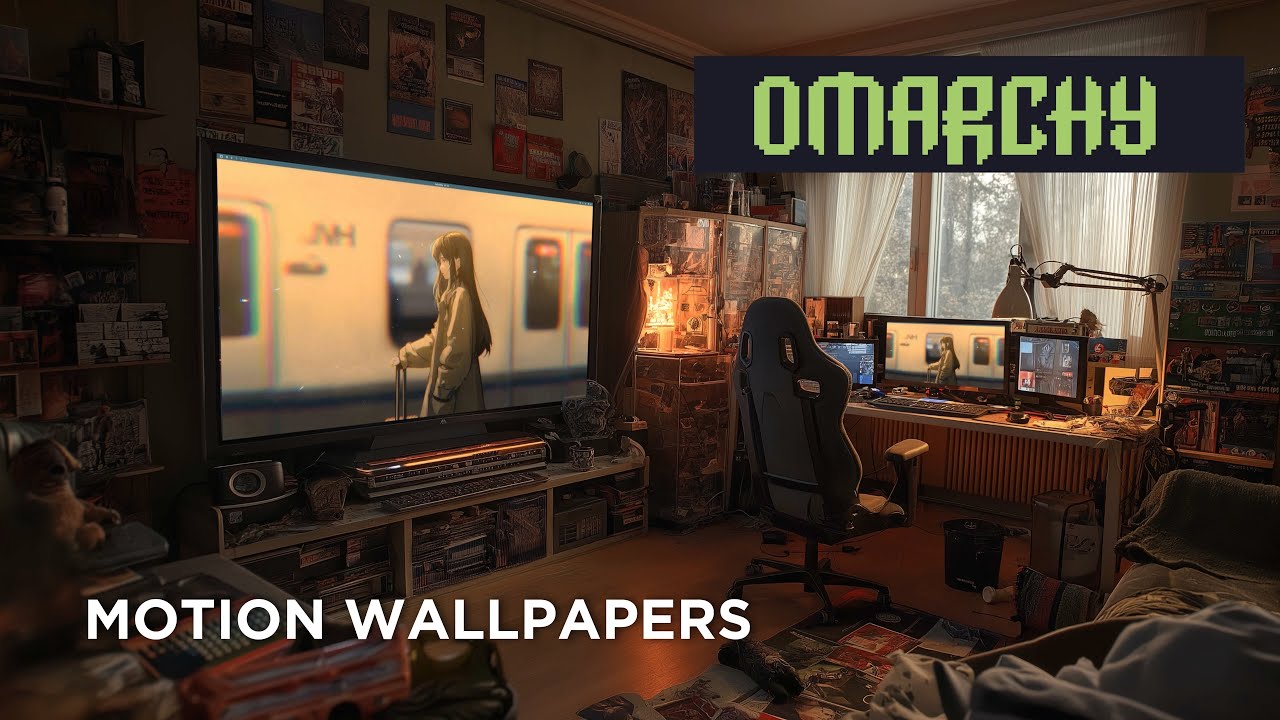
Animated video wallpapers for [Omarchy](https://omarchy.com) (Arch Linux + Hyprland).
|
|
|
|
Uses [mpvpaper](https://github.com/GhostNaN/mpvpaper) to play any video file as your desktop wallpaper, with a simple toggle to switch between video and your normal static wallpaper.
|
|
|
|
## Quick Start
|
|
|
|
```bash
|
|
git clone https://git.no-signal.uk/nosignal/Motion-Wallpaper-Omarchy.git
|
|
cd Motion-Wallpaper-Omarchy
|
|
chmod +x wallpaper.sh
|
|
./wallpaper.sh
|
|
```
|
|
|
|
The installer handles all dependencies automatically.
|
|
|
|
## Requirements
|
|
|
|
- **OS**: [Omarchy](https://omarchy.com) (Arch Linux)
|
|
- **Compositor**: Hyprland
|
|
- **AUR Helper**: yay or paru (for mpvpaper)
|
|
|
|
## What It Installs
|
|
|
|
### Packages
|
|
|
|
| Package | Source | Purpose |
|
|
|---------|--------|---------|
|
|
| `mpv` | Official repos | Video player engine (decodes and renders video) |
|
|
| `jq` | Official repos | Parses monitor info from Hyprland |
|
|
| `zenity` | Official repos | GUI dialogs (file picker, confirmations) |
|
|
| `mpvpaper` | AUR | Wayland wallpaper daemon that uses mpv as its backend |
|
|
|
|
### Files Created
|
|
|
|
| Path | Purpose |
|
|
|------|---------|
|
|
| `~/.local/bin/motion-wallpaper-toggle` | Toggle script (on/off switch) |
|
|
| `~/.local/share/applications/motion-wallpaper-toggle.desktop` | App launcher entry |
|
|
|
|
## Usage
|
|
|
|
### From App Launcher
|
|
|
|
Search for **"Motion Wallpaper"** in Walker or your app launcher.
|
|
|
|
### From Terminal
|
|
|
|
```bash
|
|
motion-wallpaper-toggle
|
|
```
|
|
|
|
### With a Keybind
|
|
|
|
Add this to `~/.config/hypr/bindings.conf`:
|
|
|
|
```
|
|
bind = SUPER ALT, W, exec, ~/.local/bin/motion-wallpaper-toggle
|
|
```
|
|
|
|
> **Note**: `SUPER+W` is already bound to "Close window" in Omarchy. Use `SUPER ALT+W` or another free combination.
|
|
|
|
## How It Works
|
|
|
|
The toggle script works as an on/off switch:
|
|
|
|
### Toggle ON (no video wallpaper running)
|
|
|
|
1. Detects your connected monitors via `hyprctl monitors -j`
|
|
2. If multiple monitors, shows a selection dialog
|
|
3. Opens a file picker to choose a video file
|
|
4. Stops `hyprpaper` and `swaybg` (Omarchy's default wallpaper daemons) so mpvpaper is visible
|
|
5. Starts `mpvpaper` in the background with GPU-accelerated looping playback
|
|
|
|
### Toggle OFF (video wallpaper is running)
|
|
|
|
1. Shows a confirmation dialog
|
|
2. Stops `mpvpaper`
|
|
3. Restarts `hyprpaper` to restore your normal static wallpaper
|
|
|
|
## Supported Video Formats
|
|
|
|
Any format mpv supports, including:
|
|
|
|
- `.mp4` (H.264, H.265)
|
|
- `.mkv` (Matroska)
|
|
- `.webm` (VP9, AV1)
|
|
- `.mov` (QuickTime)
|
|
- `.avi`
|
|
|
|
## Finding Video Wallpapers
|
|
|
|
Search for "live wallpaper" or "motion desktop" videos. Good sources include:
|
|
|
|
- YouTube (download with `yt-dlp`)
|
|
- [Wallpaper Engine](https://store.steampowered.com/app/431960/Wallpaper_Engine/) workshop (some can be extracted)
|
|
- Free stock video sites (Pexels, Pixabay)
|
|
|
|
**Tips for best results:**
|
|
|
|
- Match your monitor resolution (e.g. 3840x2160 for 4K)
|
|
- Seamless loops look best (no visible cut at the loop point)
|
|
- Shorter videos (10-30 seconds) use less memory
|
|
- H.264 `.mp4` has the best hardware decode support
|
|
|
|
## Performance
|
|
|
|
mpvpaper uses GPU-accelerated rendering (`--vo=gpu`) so CPU usage is minimal. However:
|
|
|
|
- Video decoding does use some GPU resources
|
|
- Higher resolution videos use more VRAM
|
|
- If you notice performance impact in games, toggle the wallpaper off first
|
|
|
|
## Troubleshooting
|
|
|
|
**Video wallpaper doesn't appear / shows black**
|
|
- Make sure hyprpaper and swaybg are not running: `pgrep hyprpaper && pkill hyprpaper`
|
|
- Try a different video file to rule out codec issues
|
|
|
|
**File picker doesn't open**
|
|
- Check zenity is installed: `pacman -Qi zenity`
|
|
|
|
**"No monitors detected" error**
|
|
- Make sure you're running Hyprland: `echo $XDG_CURRENT_DESKTOP`
|
|
- Check hyprctl works: `hyprctl monitors`
|
|
|
|
**Normal wallpaper doesn't come back after toggling off**
|
|
- Manually restart hyprpaper: `hyprctl dispatch exec hyprpaper`
|
|
|
|
## Uninstalling
|
|
|
|
```bash
|
|
# Remove the toggle script
|
|
rm -f ~/.local/bin/motion-wallpaper-toggle
|
|
|
|
# Remove the app launcher entry
|
|
rm -f ~/.local/share/applications/motion-wallpaper-toggle.desktop
|
|
|
|
# Optionally remove packages
|
|
sudo pacman -Rns mpvpaper zenity
|
|
```
|
|
|
|
## Credits
|
|
|
|
- [Omarchy](https://omarchy.com) - The Arch Linux distribution this was built for
|
|
- [mpvpaper](https://github.com/GhostNaN/mpvpaper) - Wayland video wallpaper daemon
|
|
- [mpv](https://mpv.io/) - The video player engine
|
|
- [Hyprland](https://hyprland.org/) - Wayland compositor
|
|
|
|
## License
|
|
|
|
This project is provided as-is for the Omarchy community.
|